Skip to content

New guideModernizing a legacy system without stopping the business

10 — UI/UX Design

Interfaces designed for the work people actually do.

Business software fails when it's hard to use: people go back to spreadsheets and the system becomes a record nobody trusts. We design interfaces around real tasks — observed, not assumed — and work alongside engineers so every design can be built as drawn and performs well.

Capabilities

What this service covers.

  1. 01

    User research

    Interviews and observation with the people who will use the system.

  2. 02

    Workflow design

    Task flows that remove steps rather than decorate them.

  3. 03

    Prototyping

    Clickable prototypes tested before development.

  4. 04

    Visual design

    Clear, restrained interfaces that fit your brand.

  5. 05

    Design systems

    Reusable components and tokens shared between design and code.

  6. 06

    Accessibility

    Contrast, keyboard use and screen-reader support from the start.

What We Build

UI/UX Design solutions we deliver.

Research, flows, prototypes and design systems built with engineering.

Example UI/UX Design interface built by Eryon
  • 01

    UX research

    Interviews and observation with the people who will use the product.

  • 02

    Product design

    End-to-end flows and interfaces for new products and features.

  • 03

    Dashboard and SaaS design

    Clear hierarchy for dense, data-heavy business interfaces.

  • 04

    Mobile app design

    Interfaces that follow iOS and Android conventions.

  • 05

    Design systems

    Reusable components, tokens and documentation.

  • 06

    Prototyping and usability testing

    Clickable prototypes validated with real users.

  • 07

    UX audits

    A review of an existing product with prioritised improvements.

  • 08

    Website design

    Marketing and corporate websites designed for clarity and conversion.

Use Cases

When clients bring us in.

Low adoption

A system people avoid using.

New product

Validating flows with users before engineering investment.

Inconsistent interfaces

Products that grew screen by screen without a system.

Complex data

Dense information that needs clear hierarchy.

Where It's Used

Problems we solve, sector by sector.

  • SaaS products

    The problem
    New users struggle to reach their first result.
    What we build
    Onboarding and core flows redesigned around the first task.
  • Enterprise software

    The problem
    Staff avoid internal tools that are slow to use.
    What we build
    Task-focused interfaces with keyboard support and dense, readable tables.
  • Healthcare

    The problem
    Busy staff make mistakes on cluttered screens.
    What we build
    Calm, high-contrast interfaces with clear status and confirmation.
  • E-commerce

    The problem
    Shoppers abandon long or confusing checkouts.
    What we build
    Simplified product discovery and a short, predictable checkout.
  • Education

    The problem
    Parents and teachers use the same system very differently.
    What we build
    Role-specific experiences built on one design system.
  • Logistics and operations

    The problem
    Dispatchers scan long lists to find problems.
    What we build
    Exception-first dashboards that surface what needs action.

Recognise your situation here?

Talk to an engineer

How We Deliver

Delivery you can plan around.

Research before pixels

Designs start from observed tasks.

Test with users

Prototypes reviewed with real users.

Engineering review

Every design reviewed for feasibility and performance.

Components in code

The design system ships as real components, not only a file.

Deliverables

  • Research findings
  • User flows and wireframes
  • High-fidelity designs and prototypes
  • Design system
  • Developer handoff specifications

Technology Stack

Tools we use for this work.

  • Figma
  • React
  • Tailwind CSS
  • React Native

Security & Scalability

  • Design tokens

    Colour, type and spacing managed centrally.

  • Accessible by default

    Components meet contrast and keyboard standards.

  • Responsive rules

    Layouts defined for phone, tablet and desktop.

  • Documented patterns

    Usage guidance so new screens stay consistent.

Process

From first workshop to production.

  1. 01 · Discover

    Workshops with the people who run the process today. We map how work actually moves, where it stalls and what the system must never get wrong.

  2. 02 · Define

    A written scope: users and roles, core workflows, integrations, non-functional requirements and a release plan you can hold us to.

  3. 03 · Architect

    Data model, service boundaries, hosting, security model and the trade-offs behind each choice — reviewed with your team before code starts.

  4. 04 · Build

    Short sprints with a working demo every week. Code review on every change, automated tests on the paths that carry money or data.

  5. 05 · Validate

    Functional QA, role-by-role acceptance, performance checks and a security pass before anything reaches production users.

  6. 06 · Scale

    Staged rollout, monitoring and a support window. Then the backlog of improvements that only real usage reveals.

Related Case Studies

Where we've done this before.

Creative & Media · Web

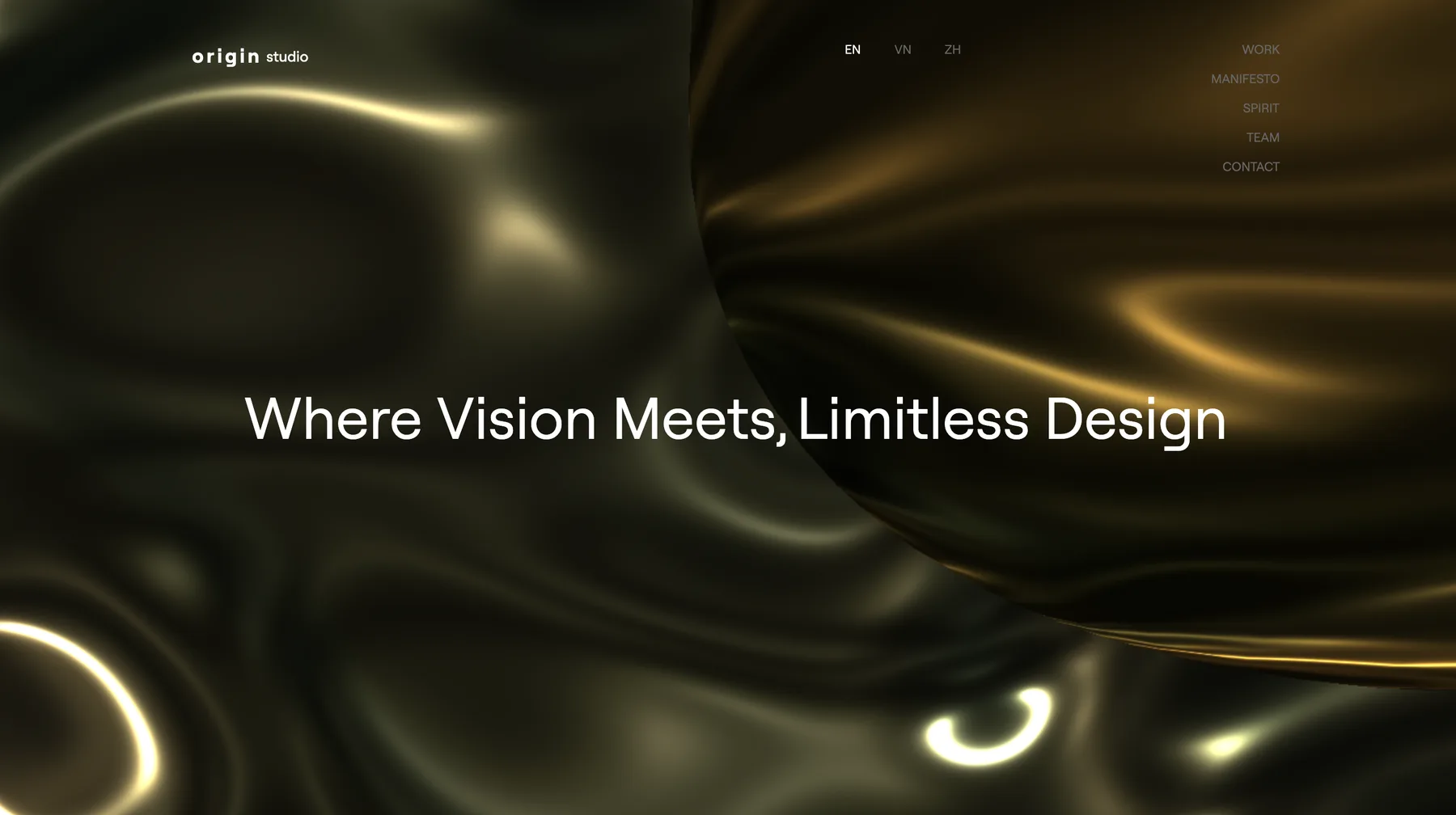
Origin

Interactive website for a creative studio

Challenge
A creative studio needed a website that felt like its own work, not a template, without becoming slow or hard to use.
Solution
A React single-page site with a Three.js 3D scene, scroll-linked typography and controlled smooth scrolling.
Outcome
A studio website where 3D and motion carry the brand, while staying smooth on everyday devices.
Technology
  • React
  • Three.js
  • GSAP
  • Split-Type
  • Lenis
  • Framer Motion
Read the case study

Creative & Media · Web

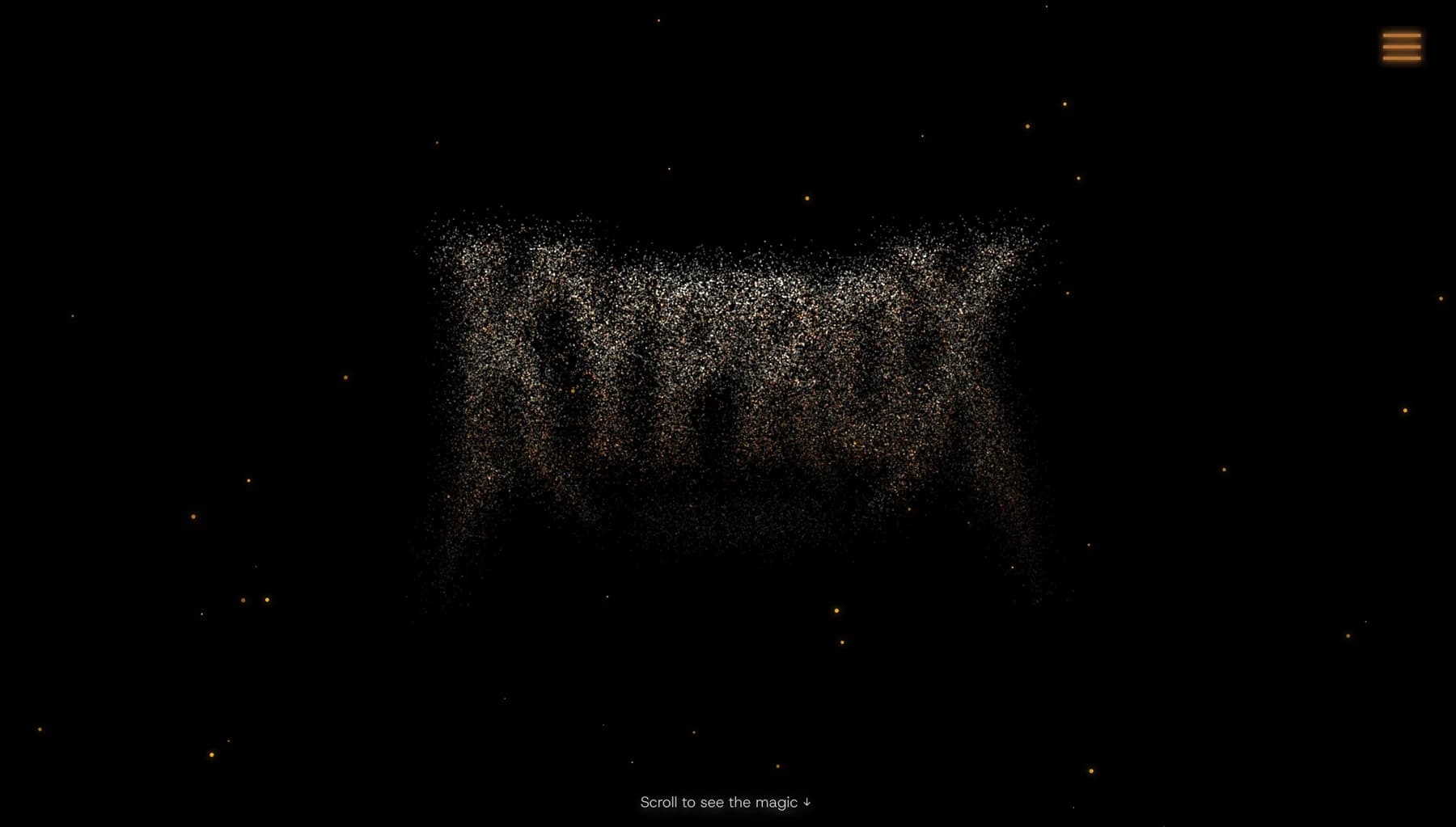
Kyprox

Website platform for musicians and performers

Challenge
Musicians relied on website builders that looked generic and struggled with heavy visuals, media and enquiries.
Solution
A Next.js platform with Three.js and particle visuals, motion-led page transitions and a built-in enquiry flow.
Outcome
Artist websites with 3D and particle visuals that still load fast on mobile and turn visits into enquiries.
Technology
  • Next.js
  • Three.js
  • GSAP
  • Framer Motion
  • tsParticles
  • Tailwind CSS
Read the case study

Retail & E-commerce · Web

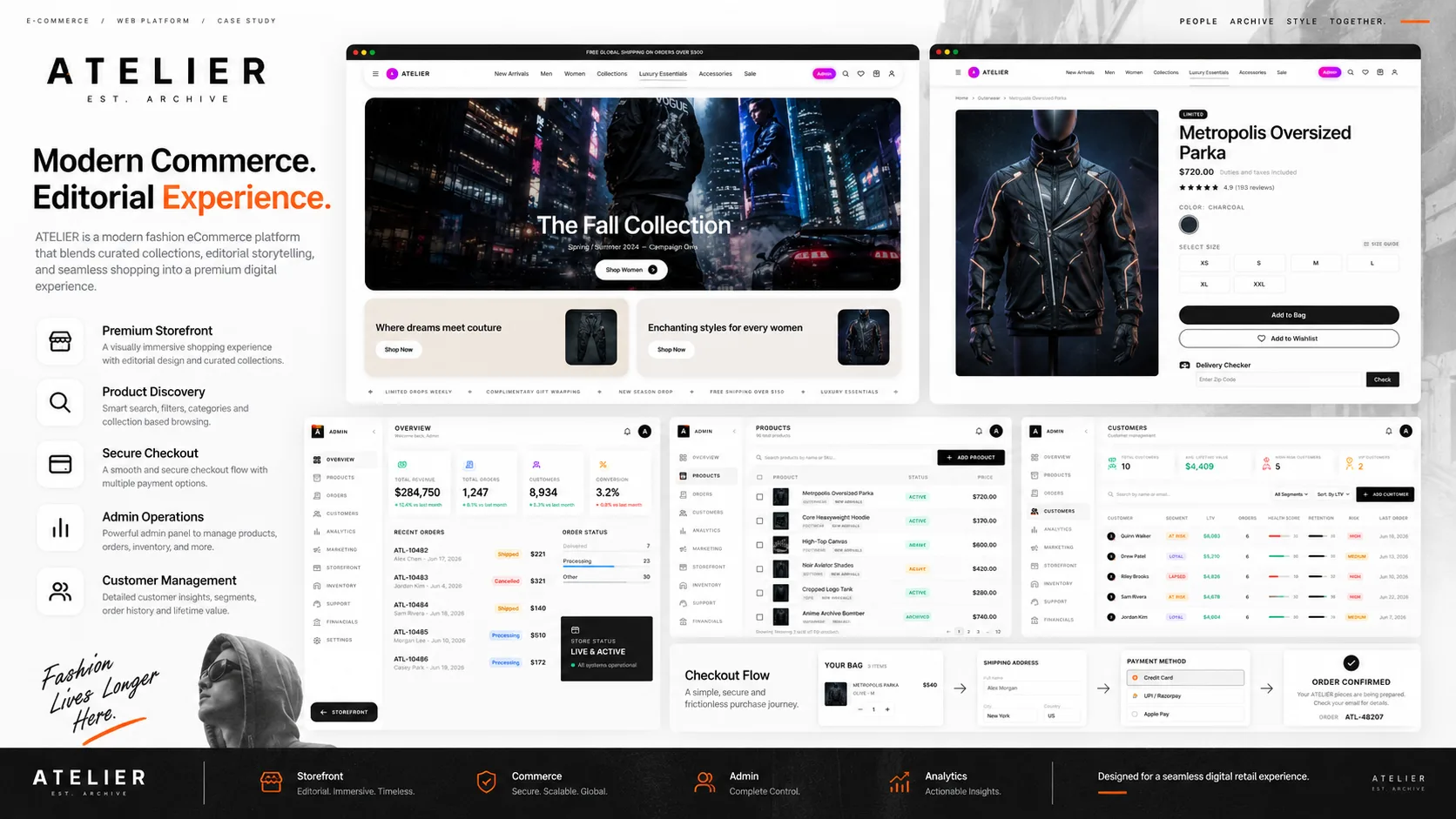
Atelier

Fashion e-commerce platform with admin portal

Challenge
The brand needed a storefront that matched its premium positioning without giving up search, filtering or operational control.
Solution
An editorial-style storefront with advanced filtering and wishlists, paired with an administration portal for the whole retail operation.
Outcome
An editorial storefront and a full back office for catalogue, orders, customers and campaigns.
Technology
  • Next.js
  • Spring Boot
  • PostgreSQL
  • MongoDB
  • Valkey
  • RabbitMQ
Read the case study

FAQs

Common questions.

Do you only design, or also build?

Both. Design can be a standalone engagement, but most clients benefit from the same team designing and building.

What do we receive at the end of design?

Flows, high-fidelity designs, a clickable prototype and a design system — and components in code if we also build.

Can you redesign an existing product?

Yes. We start with an audit of current usage and problems, then redesign in stages.

Do you follow accessibility standards?

Yes. We design to WCAG 2.2 AA contrast and interaction guidelines.

What is the difference between UI and UX design?

UX design shapes how a product works — flows, structure and ease of completing tasks. UI design shapes how it looks — layout, typography, colour and components. Good products need both.

Do you redesign existing websites and apps?

Yes. We start with a UX audit of current usage and problems, then redesign in stages so users aren't disrupted.

Do you design in Figma?

Yes. You receive organised Figma files, components and a developer handoff.

Can you design to our brand guidelines?

Yes. We extend existing brand guidelines into a product design system where needed.

Planning a project
like this?

Tell us what the system needs to do. We'll reply within 24 hours with questions, not a sales script.