Skip to content

New guideModernizing a legacy system without stopping the business

05 — CRM & ERP Development

CRM and ERP systems that match how your business sells and operates.

Packaged CRMs and ERPs are powerful and generic. Businesses often end up paying for modules they don't use while running the workflows they do need in spreadsheets on the side. A custom CRM or ERP puts your actual pipeline, inventory rules, approvals and reporting into one system, with a data model built around your business.

Capabilities

What this service covers.

  1. 01

    Sales pipelines

    Lead capture, assignment, stages, follow-ups and quotations.

  2. 02

    Inventory and orders

    Stock, reservations, purchase and sales orders across locations.

  3. 03

    People operations

    Attendance, shifts, leave and payroll support.

  4. 04

    Finance workflows

    Invoices, ledgers, payments and exports to your accounting system.

  5. 05

    Documents

    Contracts, drawings and records stored against the right entity with access control.

  6. 06

    Reporting

    Role-specific dashboards and scheduled reports from one source of truth.

What We Build

CRM & ERP solutions we deliver.

One system of record for sales, operations, people and money.

Example CRM & ERP interface built by Eryon
  • 01

    Custom CRM development

    Pipelines, lead assignment, follow-ups and quotations shaped to your sales process.

  • 02

    ERP development

    Connected modules for inventory, purchasing, production, finance and HR.

  • 03

    Lead management systems

    Capture leads from every channel and route them automatically.

  • 04

    Inventory and warehouse management

    Stock by location, reservations, transfers and reorder alerts.

  • 05

    HRMS and payroll support

    Employees, attendance, shifts, leave and payroll exports.

  • 06

    School and hospital management

    Sector-specific ERP for education and healthcare operations.

  • 07

    Field sales management

    Visits, orders and targets for sales teams on the move.

  • 08

    CRM and ERP integration

    Connecting new modules to accounting, e-commerce and messaging tools.

Use Cases

When clients bring us in.

Outgrown spreadsheets

Data spread across files and people, with no reliable view of the business.

Outgrown a generic CRM

Customisations and workarounds cost more than a system designed for you.

Multi-location operations

Several branches or sites that need local control and a central view.

Industry-specific rules

Credentials, compliance, unique inventory or complex pricing.

Where It's Used

Problems we solve, sector by sector.

  • Manufacturing

    The problem
    Production planning is disconnected from sales and stock.
    What we build
    ERP modules linking orders, inventory and production schedules.
  • Distribution and wholesale

    The problem
    Dealers call to check stock and order status.
    What we build
    CRM with dealer portal, live availability and order tracking.
  • Construction

    The problem
    Workforce cost and client billing are reconciled by hand.
    What we build
    Construction ERP with attendance, wages, materials and client ledgers.
  • Real estate

    The problem
    Leads and bookings are spread across agents' phones.
    What we build
    Real estate CRM with inventory, bookings and payment milestones.
  • Healthcare

    The problem
    Hospital HR runs on disconnected tools.
    What we build
    Hospital HRMS with rota planning, leave and credential tracking.
  • Education

    The problem
    Student data is entered into several systems.
    What we build
    School ERP with one student record shared by every module.

Recognise your situation here?

Talk to an engineer

How We Deliver

Delivery you can plan around.

Module-by-module rollout

The module that removes the most pain goes live first; others follow.

Data migration

Cleaning and importing existing spreadsheet and legacy data.

User training

Role-based training sessions and short guides for each team.

Parallel running

Old and new processes run side by side until the team is confident.

Deliverables

  • Process and module map
  • CRM/ERP application with role-based dashboards
  • Data migration scripts
  • Training material
  • Admin and support documentation

Technology Stack

Tools we use for this work.

  • Next.js
  • React
  • Spring Boot
  • FastAPI
  • PostgreSQL
  • Supabase
  • MongoDB
  • Redis
  • Twilio
  • Docker

Security & Scalability

  • Granular permissions

    Access by role, location and record ownership.

  • Audit trails

    Who changed what and when, for every sensitive record.

  • Reporting without slowing operations

    Reports run on read replicas or pre-aggregated tables as volume grows.

  • Integration-ready

    APIs and webhooks for accounting, messaging and e-commerce systems.

Process

From first workshop to production.

  1. 01 · Discover

    Workshops with the people who run the process today. We map how work actually moves, where it stalls and what the system must never get wrong.

  2. 02 · Define

    A written scope: users and roles, core workflows, integrations, non-functional requirements and a release plan you can hold us to.

  3. 03 · Architect

    Data model, service boundaries, hosting, security model and the trade-offs behind each choice — reviewed with your team before code starts.

  4. 04 · Build

    Short sprints with a working demo every week. Code review on every change, automated tests on the paths that carry money or data.

  5. 05 · Validate

    Functional QA, role-by-role acceptance, performance checks and a security pass before anything reaches production users.

  6. 06 · Scale

    Staged rollout, monitoring and a support window. Then the backlog of improvements that only real usage reveals.

Related Case Studies

Where we've done this before.

Manufacturing & Distribution · Web

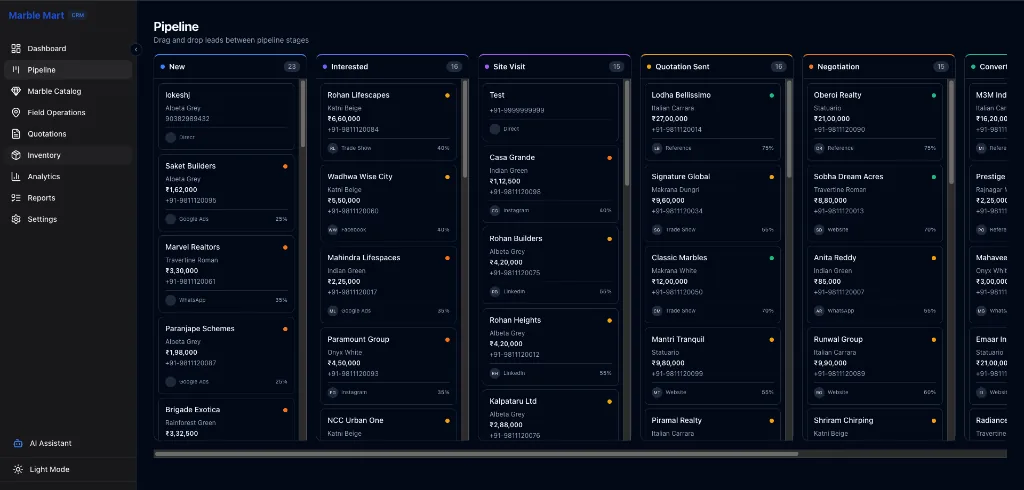
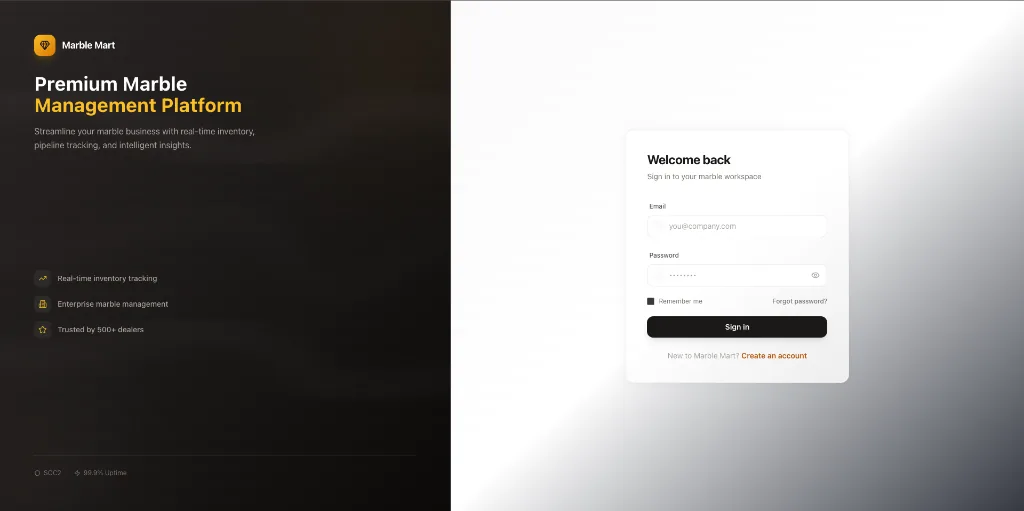
MarbleMart CRM

Sales and inventory CRM for a stone distributor

Challenge
High-value marble inventory across warehouses was tracked in spreadsheets, so sales rarely knew what was actually available.
Solution
A role-based CRM where logistics updates stock and the sales team sees it immediately, with quotations and invoices generated from the same records.
Outcome
One live view of stock, leads and quotations shared by sales, logistics and management.
Technology
  • Next.js
  • TypeScript
  • PostgreSQL
  • Supabase
  • Tailwind CSS
Read the case study

Education · Web + Mobile

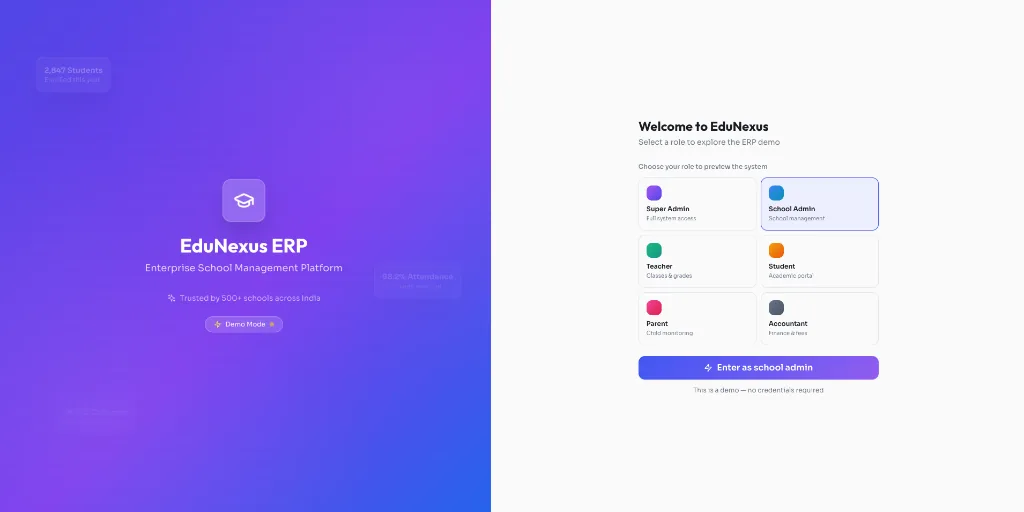
EduNexus

School ERP with web and mobile apps

Challenge
Schools were running admissions, attendance, fees and communication on separate systems that did not share data.
Solution
A multi-campus school ERP with role-based dashboards and mobile apps for parents, teachers and administrators.
Outcome
Admissions, academics, fees, transport and parent communication in one platform with dedicated mobile apps.
Technology
  • React
  • React Native
  • Java
  • Spring Boot
  • PostgreSQL
  • Twilio
Read the case study

Healthcare · Web

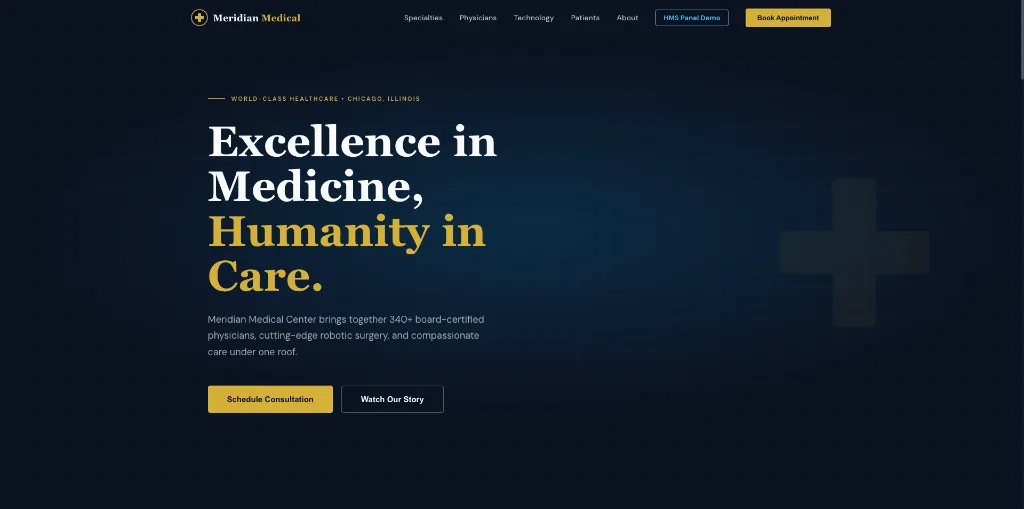
Hospital HRMS

Workforce management for hospital staff

Challenge
Hospital HR ran across fragmented systems, causing shift conflicts and slow communication with clinical staff.
Solution
A centralized HRMS with role-based access, rota planning, attendance, leave and document management built for clinical shift patterns.
Outcome
Shifts, leave, attendance and staff records in one secure system instead of several disconnected tools.
Technology
  • Next.js
  • Spring Boot
  • PostgreSQL
  • MongoDB
  • Redis
  • Docker
Read the case study

FAQs

Common questions.

Why build a custom CRM instead of using an existing one?

When your process is specific — unique inventory, complex approvals, industry rules — and the cost of licences plus customisation exceeds a system built around you. For standard sales pipelines, an existing CRM is often the right answer, and we'll say so.

Can you migrate our existing data?

Yes. We clean, map and import data from spreadsheets and existing systems, and validate it with your team before go-live.

Can the ERP connect to our accounting software?

Yes, through the accounting system's API or scheduled exports, depending on what it supports.

Do you build mobile access for field staff?

Yes. Responsive views or a companion mobile app for attendance, sales visits or site work.

What is the cost of custom CRM development in India?

It depends on the modules, user roles, integrations and data migration involved. A focused CRM costs far less than a multi-department ERP. We give a written estimate after discovery so you can compare it with licence costs.

Custom CRM vs Zoho, Salesforce or HubSpot — which is better?

For standard pipelines, a packaged CRM is usually faster and cheaper. A custom CRM pays off when your inventory, pricing or approval rules don't fit their model and teams keep working in spreadsheets alongside it.

Can the CRM send WhatsApp, SMS and email messages?

Yes, through approved messaging providers, with consent and opt-out handling built into the workflow.

Can our team use the ERP on mobile?

Yes. We design responsive screens for common tasks and, where needed, a companion mobile app for field staff.

Planning a project
like this?

Tell us what the system needs to do. We'll reply within 24 hours with questions, not a sales script.