
Skip to content

New guideModernizing a legacy system without stopping the business

03 — Mobile Applications

Mobile apps connected to the systems behind them.

A mobile app is rarely a standalone product. It is a window into your orders, schedules, inventory or accounts. We build cross-platform apps with React Native and Flutter, and the APIs and admin tools they depend on, so the app and the business behind it stay in step.

Capabilities

What this service covers.

  1. 01

    Cross-platform development

    One codebase for iOS and Android with React Native or Flutter.

  2. 02

    Offline-capable apps

    Local storage and sync for staff working with poor connectivity.

  3. 03

    Push notifications

    Transactional and operational notifications tied to real events in your system.

  4. 04

    Payments

    In-app checkout with established payment gateways.

  5. 05

    Device features

    Camera, location, file upload and biometrics where the workflow needs them.

  6. 06

    Store release

    App Store and Play Store preparation, review submissions and release management.

What We Build

Mobile Applications solutions we deliver.

iOS and Android apps for customers, staff and field teams.

Example Mobile Applications interface built by Eryon
  • 01

    Android app development

    Apps built and tested for the wide range of Android devices your users carry.

  • 02

    iOS app development

    iPhone and iPad apps that follow Apple's design and review guidelines.

  • 03

    Cross-platform apps

    One React Native or Flutter codebase for both stores.

  • 04

    Customer and shopping apps

    Browsing, ordering, payments, tracking and loyalty in the customer's pocket.

  • 05

    Staff and field apps

    Attendance, inspections, deliveries and job updates recorded on site.

  • 06

    Member and parent apps

    Bookings, updates, payments and messaging for members, students or parents.

  • 07

    Companion apps for web platforms

    Mobile access to an existing system through a shared API.

  • 08

    App modernisation

    Rebuilding or stabilising apps that crash, lag or can no longer be updated.

Use Cases

When clients bring us in.

Customer app for an existing platform

Give customers a faster route to ordering, booking or tracking.

Staff app for field work

Attendance, inspections or deliveries recorded where the work happens.

Parent and member communication

Updates, payments and messaging in one app instead of scattered channels.

Replacing paper forms

Structured data capture with photos and signatures.

Where It's Used

Problems we solve, sector by sector.

  • Retail and e-commerce

    The problem
    Mobile shoppers drop off on slow, generic store apps.
    What we build
    Fast shopping apps with search, wishlists and a short checkout.
  • Education

    The problem
    Parents hear about attendance and fees late.
    What we build
    Parent and teacher apps with real-time attendance, homework and fee updates.
  • Fitness and wellness

    The problem
    Members book classes through calls and chat groups.
    What we build
    Member apps for class booking, payments and progress tracking.
  • Logistics and delivery

    The problem
    Drivers update status by phone and paperwork is lost.
    What we build
    Driver apps with job lists, proof of delivery and offline support.
  • Construction and field services

    The problem
    Site data is written on paper and typed in later.
    What we build
    Field apps for attendance, photos, checklists and signatures.
  • Healthcare

    The problem
    Staff need schedules and updates away from a desk.
    What we build
    Secure staff apps for rotas, leave requests and notifications.

Recognise your situation here?

Talk to an engineer

How We Deliver

Delivery you can plan around.

Web and mobile planned together

Shared API contracts so web and mobile evolve without breaking each other.

Device testing

Testing across screen sizes and OS versions before every release.

Review builds

Installable test builds at each sprint so stakeholders use the app, not screenshots.

Release management

Staged rollouts and versioning through the stores.

Deliverables

  • App designs and prototypes
  • iOS and Android application
  • Supporting API and admin panel
  • Store listings and release builds
  • Crash reporting and analytics setup

Technology Stack

Tools we use for this work.

  • React Native
  • Expo
  • Flutter
  • TypeScript
  • Swift
  • Kotlin
  • Node.js
  • Spring Boot
  • PostgreSQL

Security & Scalability

  • API versioning

    Older app versions keep working while new versions roll out.

  • Secure storage

    Tokens and sensitive data kept in platform secure storage.

  • Crash isolation

    Error boundaries and crash reporting to find and fix issues quickly.

  • Performance on everyday phones

    Lists, images and navigation tuned for mid-range devices, not only flagships.

Process

From first workshop to production.

  1. 01 · Discover

    Workshops with the people who run the process today. We map how work actually moves, where it stalls and what the system must never get wrong.

  2. 02 · Define

    A written scope: users and roles, core workflows, integrations, non-functional requirements and a release plan you can hold us to.

  3. 03 · Architect

    Data model, service boundaries, hosting, security model and the trade-offs behind each choice — reviewed with your team before code starts.

  4. 04 · Build

    Short sprints with a working demo every week. Code review on every change, automated tests on the paths that carry money or data.

  5. 05 · Validate

    Functional QA, role-by-role acceptance, performance checks and a security pass before anything reaches production users.

  6. 06 · Scale

    Staged rollout, monitoring and a support window. Then the backlog of improvements that only real usage reveals.

Related Case Studies

Where we've done this before.

Retail & E-commerce · Mobile

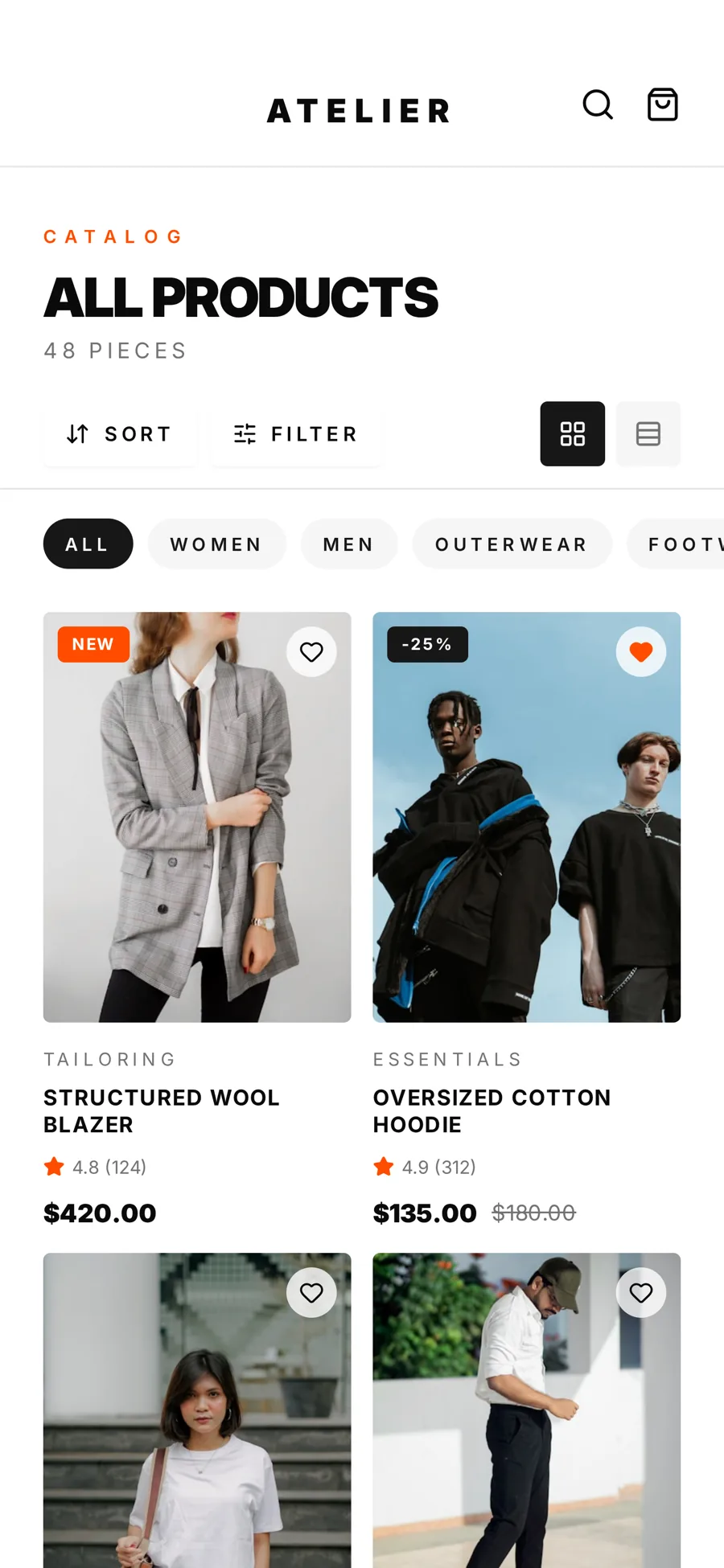
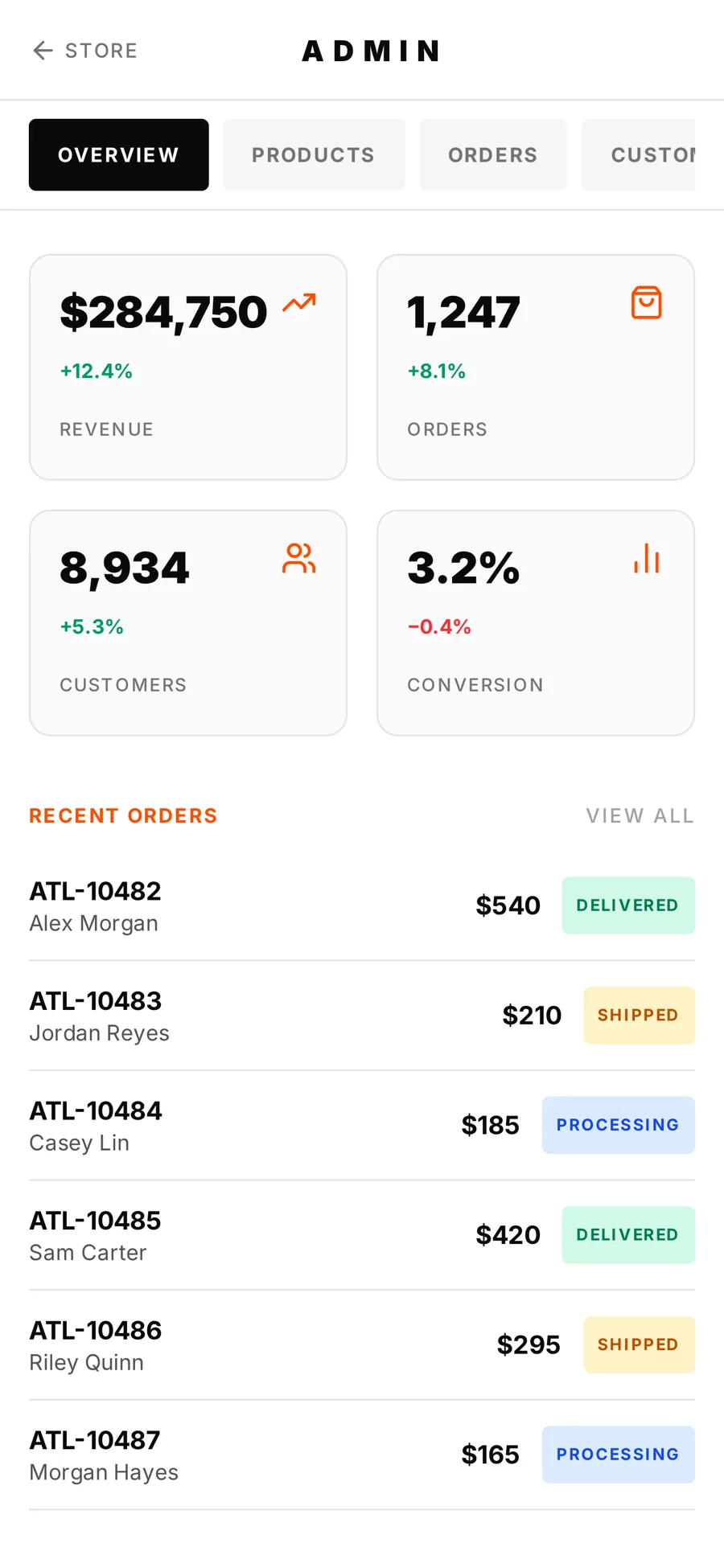
Atelier Mobile

React Native shopping app with in-app admin

Challenge
The brand needed a native-feeling app covering the full retail loop that could be demonstrated on any device instantly.
Solution
An Expo and React Native app with browsing, wishlist, checkout and a built-in admin panel for orders, products and analytics.
Outcome
A complete shopping flow and store administration in one cross-platform app.
Technology
  • React Native
  • Expo
  • TypeScript
  • React Navigation
  • Zustand
Read the case study

Education · Web + Mobile

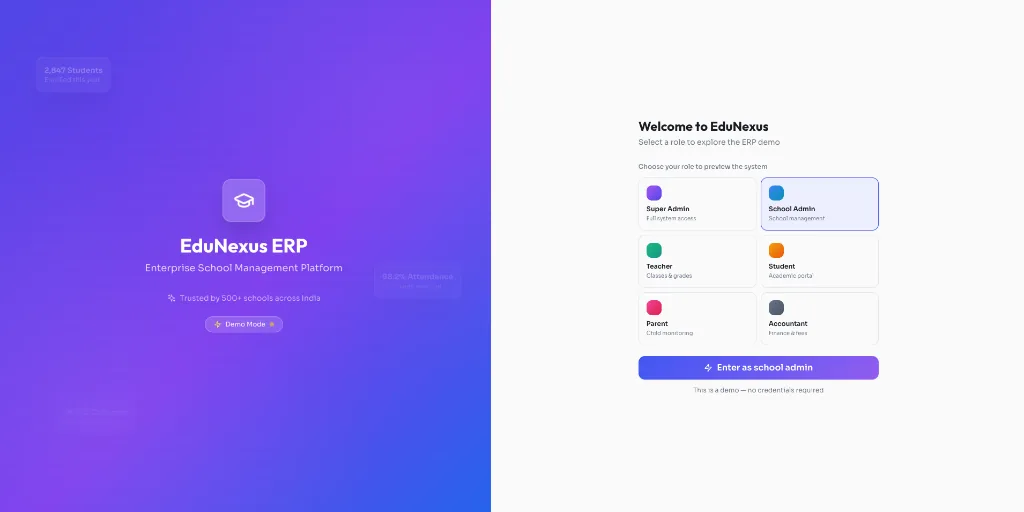
EduNexus

School ERP with web and mobile apps

Challenge
Schools were running admissions, attendance, fees and communication on separate systems that did not share data.
Solution
A multi-campus school ERP with role-based dashboards and mobile apps for parents, teachers and administrators.
Outcome
Admissions, academics, fees, transport and parent communication in one platform with dedicated mobile apps.
Technology
  • React
  • React Native
  • Java
  • Spring Boot
  • PostgreSQL
  • Twilio
Read the case study

FAQs

Common questions.

Native or cross-platform?

For most business apps we recommend React Native or Flutter: one codebase, faster delivery and near-native performance. We use Swift or Kotlin where a feature requires native modules.

Do you publish the app to the stores?

Yes. We prepare listings and builds, and publish under your developer accounts so you retain ownership.

Can the app work offline?

Yes, for workflows that need it. We design local storage and conflict handling as part of the architecture.

Do you also build the back end?

Yes. Most mobile projects include the API and an administration panel.

How much does it cost to build a mobile app in India?

It depends on screens, user roles, integrations and whether a back end and admin panel are needed. We scope a first release together and provide a written estimate before development begins.

React Native or Flutter — which should we choose?

Both deliver near-native performance from one codebase. React Native suits teams already using React on the web; Flutter suits highly custom interfaces. We recommend one based on your team and product.

Can you publish our app on the Play Store and App Store?

Yes. We prepare store listings, screenshots and review submissions, and publish under your own developer accounts so you keep ownership.

Do you maintain apps after launch?

Yes. Operating system updates, store policy changes and user feedback all require ongoing releases; we offer maintenance agreements for this.

Planning a project
like this?

Tell us what the system needs to do. We'll reply within 24 hours with questions, not a sales script.