Skip to content

New guideModernizing a legacy system without stopping the business

07 — Business Process Automation

Take the repetitive work out of your operations.

Every business has work that is done by hand only because systems don't talk to each other: re-typing orders, chasing approvals, building the same report every Monday, sending the same reminder. We identify those steps, automate the ones that are stable and rule-based, and leave people to handle the exceptions.

Capabilities

What this service covers.

  1. 01

    Workflow engines

    Multi-step approvals with rules, escalations and audit history.

  2. 02

    Document generation

    Quotations, invoices, certificates and reports produced from system data.

  3. 03

    Notifications

    Email, SMS and push messages triggered by real events.

  4. 04

    Scheduled jobs

    Nightly reconciliations, reminders and report generation.

  5. 05

    System integration

    Data moving between CRM, accounting, e-commerce and spreadsheets automatically.

  6. 06

    Exception handling

    Clear queues for the cases automation should not decide.

What We Build

Business Automation solutions we deliver.

Approvals, documents, notifications and data sync that run themselves.

Example Business Automation interface built by Eryon
  • 01

    Workflow automation

    Multi-step processes with rules, approvals and escalations.

  • 02

    Document generation

    Quotations, invoices, certificates and reports created from system data.

  • 03

    Notification automation

    Email, SMS and push messages triggered by real events.

  • 04

    Report automation

    Scheduled reports delivered to the right people without manual effort.

  • 05

    Data synchronisation

    Records kept consistent across CRM, accounting and e-commerce tools.

  • 06

    Customer onboarding automation

    Forms, documents, verification steps and welcome sequences.

  • 07

    Payroll and billing calculations

    Wages, commissions and invoices calculated from source data.

  • 08

    Approval routing

    Requests routed by amount, department or role, with reminders.

Use Cases

When clients bring us in.

Re-entering data between tools

Orders typed from email into a system, then again into accounting.

Chasing approvals

Requests stuck in inboxes with no visibility.

Manual monthly calculations

Payroll, commissions or billing assembled in spreadsheets.

Missed follow-ups

Renewals and reminders that depend on someone remembering.

Where It's Used

Problems we solve, sector by sector.

  • Finance and accounts

    The problem
    Invoices and payment follow-ups are prepared by hand.
    What we build
    Automated invoicing, reminders and reconciliation reports.
  • HR and administration

    The problem
    Onboarding and leave approvals move through email.
    What we build
    Automated onboarding checklists and leave approval workflows.
  • Sales operations

    The problem
    Quotations take hours to prepare from price lists.
    What we build
    Quote generation from live stock and pricing rules.
  • Construction and projects

    The problem
    Monthly wages and client bills are assembled in spreadsheets.
    What we build
    Attendance-driven wage calculation and automatic client ledgers.
  • Real estate

    The problem
    Follow-ups with leads depend on memory.
    What we build
    Automated follow-up sequences tied to lead stage.
  • Retail and e-commerce

    The problem
    Order updates are sent manually to customers.
    What we build
    Event-driven order notifications and stock alerts.

Recognise your situation here?

Talk to an engineer

How We Deliver

Delivery you can plan around.

Process audit

We time and map the manual steps and pick the ones worth automating.

Small, safe releases

One workflow at a time, with the manual path available as fallback.

Logging

Every automated action is recorded and reviewable.

Owner training

Your team can adjust rules and templates without a developer.

Deliverables

  • Process audit and automation plan
  • Automated workflows and jobs
  • Integration connectors
  • Monitoring and alerting
  • Runbooks for exceptions

Technology Stack

Tools we use for this work.

  • Node.js
  • Python
  • FastAPI
  • Spring Boot
  • PostgreSQL
  • Redis
  • Twilio
  • Google Sheets API
  • Docker

Security & Scalability

  • Idempotent jobs

    Retries never create duplicate invoices or messages.

  • Queues

    Background processing so spikes don't slow the application.

  • Alerting

    Failed jobs raise alerts instead of failing silently.

  • Least-privilege integrations

    Each integration has only the access it needs.

Process

From first workshop to production.

  1. 01 · Discover

    Workshops with the people who run the process today. We map how work actually moves, where it stalls and what the system must never get wrong.

  2. 02 · Define

    A written scope: users and roles, core workflows, integrations, non-functional requirements and a release plan you can hold us to.

  3. 03 · Architect

    Data model, service boundaries, hosting, security model and the trade-offs behind each choice — reviewed with your team before code starts.

  4. 04 · Build

    Short sprints with a working demo every week. Code review on every change, automated tests on the paths that carry money or data.

  5. 05 · Validate

    Functional QA, role-by-role acceptance, performance checks and a security pass before anything reaches production users.

  6. 06 · Scale

    Staged rollout, monitoring and a support window. Then the backlog of improvements that only real usage reveals.

Related Case Studies

Where we've done this before.

Construction & Infrastructure · Web

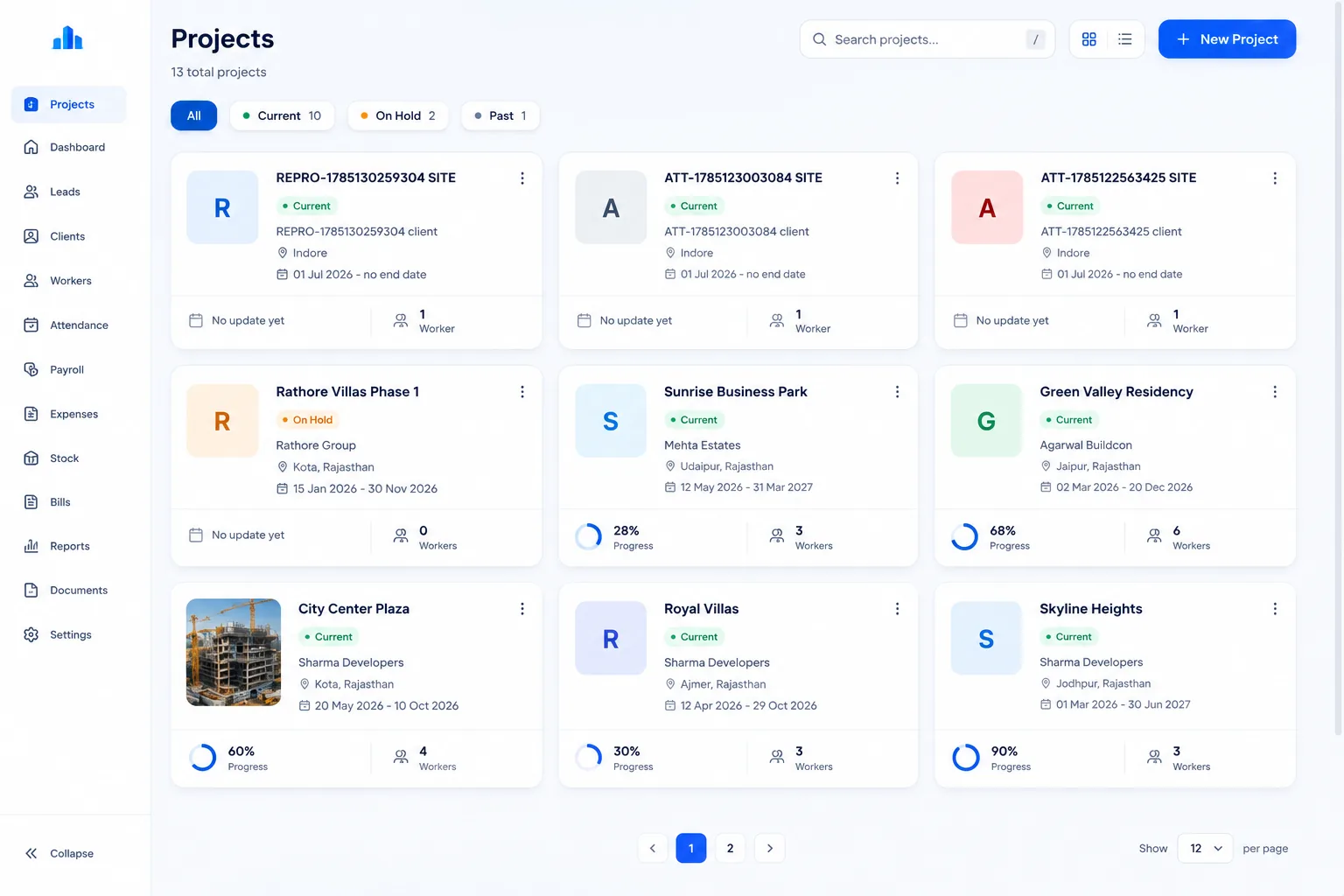
Construction ERP

Project, workforce and billing platform for an infrastructure firm

Challenge
Dozens of concurrent construction projects were run from disconnected spreadsheets for attendance, payroll and billing.
Solution
A role-based ERP for site teams, contractors and clients, with automated wage calculation and client ledgers.
Outcome
Attendance, payroll, materials, documents and client billing across concurrent sites in one role-based system.
Technology
  • Next.js
  • FastAPI
  • PostgreSQL
  • MinIO
  • Redis
  • Docker
Read the case study

Manufacturing & Distribution · Web

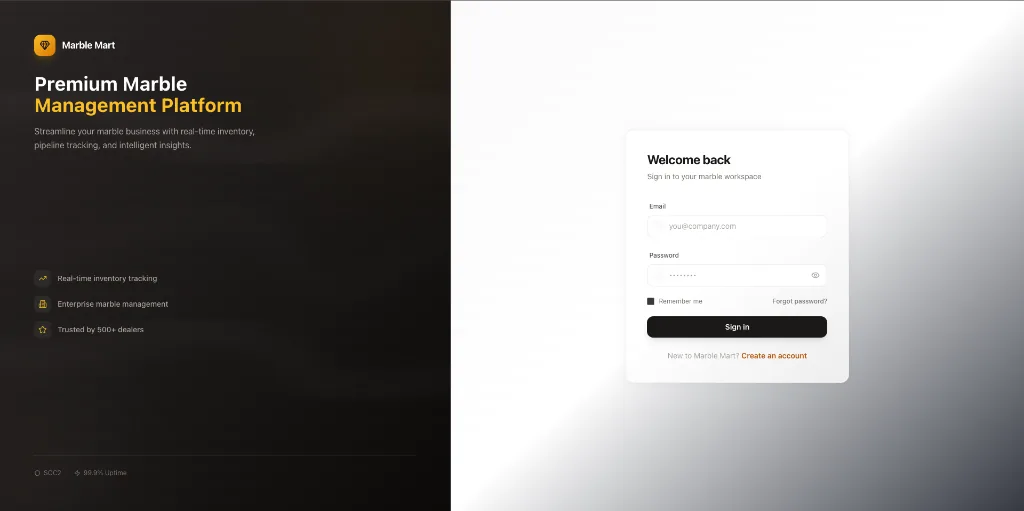
MarbleMart CRM

Sales and inventory CRM for a stone distributor

Challenge
High-value marble inventory across warehouses was tracked in spreadsheets, so sales rarely knew what was actually available.
Solution
A role-based CRM where logistics updates stock and the sales team sees it immediately, with quotations and invoices generated from the same records.
Outcome
One live view of stock, leads and quotations shared by sales, logistics and management.
Technology
  • Next.js
  • TypeScript
  • PostgreSQL
  • Supabase
  • Tailwind CSS
Read the case study

Real Estate · Web

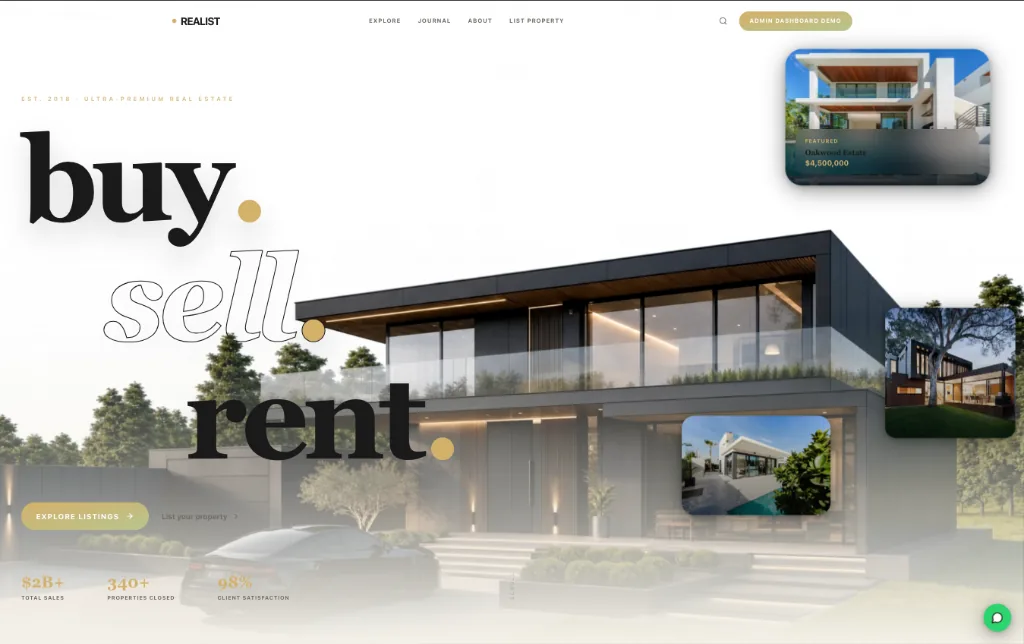
Realist CRM

Property and client CRM for real estate agencies

Challenge
Agents were managing exclusive listings and demanding clients across spreadsheets, messages and memory.
Solution
A real estate CRM with geospatial property search, client pipelines and automated follow-up messaging.
Outcome
Listings, clients and follow-ups managed in one CRM with map-based property search and automated messages.
Technology
  • React
  • Python
  • FastAPI
  • PostgreSQL
  • Mapbox
  • Twilio
Read the case study

FAQs

Common questions.

What should we automate first?

The step that is frequent, rule-based and error-prone. We measure time spent during the process audit and start where the return is clearest.

Will automation replace our existing tools?

Usually not. Most automation connects the tools you already use and removes the manual steps between them.

What happens when an automated step fails?

It is logged, retried safely where possible and raised as an alert or exception task for a person.

Can non-developers change the rules?

Where it makes sense, we expose templates and rule settings in an admin screen.

What is business process automation?

Business process automation uses software to carry out repeatable, rule-based steps — moving data, generating documents, sending notifications, routing approvals — so people handle exceptions instead of routine work.

Is automation only for large companies?

No. Small and mid-sized businesses often see the clearest benefit, because a few automated workflows can remove hours of repetitive work each week.

Can you automate Excel and Google Sheets processes?

Yes. We either connect directly to your sheets or move the process into a proper system while keeping sheet exports where people still need them.

Do we need to replace our current software?

Usually not. Most automation connects the tools you already use through their APIs.

Planning a project
like this?

Tell us what the system needs to do. We'll reply within 24 hours with questions, not a sales script.